There is no single best ELD for owner-operators. The right one is a device that is on FMCSA's registered list today, has a solid track record of staying there, transfers your logs cleanly at roadside, and costs you a predictable amount over the life of the contract. After FMCSA pulled 133 devices off its registry on Nov. 12, 2026, checking the list before you buy is step one, not a formality. This guide walks CDL-A owner-operators through how to choose an ELD, what the rules require, and what to compare before you sign.
Why are so many CDL-A drivers shopping for an ELD right now?
On Nov. 12, 2026, the U.S. DOT announced that FMCSA removed 133 ELDs from its Registered Devices List: 121 revoked by the agency and 12 withdrawn by their providers. According to Overdrive's report of FMCSA's notice, carriers have up to 60 days, until Jan. 11, 2027, to replace a revoked device with a registered one. Until then FMCSA advised drivers to stop using the revoked device and go back to paper logs or logging software. Keep running a revoked ELD after the deadline and you are treated as having no record of duty status under 49 CFR 395.8(a)(1), which means an out-of-service order.
If you are not sure whether your current device is affected, our earlier post on checking your ELD against the revoked list shows how to look it up in a couple of minutes.
Do I even pick my own ELD as an owner-operator?
It depends on whose authority you run under:
- Leased on to a carrier: the ELD rules put account management on the motor carrier. Under 49 CFR 395.22, the carrier must use only registered ELDs, create and manage driver accounts, and keep a six-month backup of ELD records. Many carriers require you to use their system. Ask before you buy anything, and get in writing who pays the monthly fee.
- Your own authority: you are the motor carrier, so every one of those duties is yours, from picking a registered device to keeping the backups. If you are still weighing that step, see how to get your own MC authority.
What does an ELD legally have to do?
Every ELD on the registered list is supposed to meet the technical standard in Appendix A to Subpart B of Part 395. The parts that matter most to you day to day, as of November 2026:
- Roadside data transfer. The device must support at least one full option: telematics (wireless web services and email) or local transfer (USB and Bluetooth). It must also be able to show the current 24 hours plus the previous 7 days.
- Duty statuses. Off duty, sleeper berth, driving and on-duty not driving, plus special categories for personal conveyance and yard moves (395.24). If you run split sleeper, it is worth confirming the device's HOS clock handles it the way the rules work; our 7/3 and 8/2 split sleeper examples make good test cases.
- Edits with a paper trail. You can edit and annotate your records, every change must be annotated, and you certify each 24-hour record (395.30). The original record is kept.
- Malfunction handling. When the device malfunctions, you must notify the carrier in writing within 24 hours and go to paper, and the carrier has 8 days to fix it (395.34). Our ELD malfunction guide covers the steps.
- In-cab packet. You must carry an instruction sheet on data transfer, an instruction sheet on malfunctions, and at least 8 days of blank paper log grids (395.22(h)).
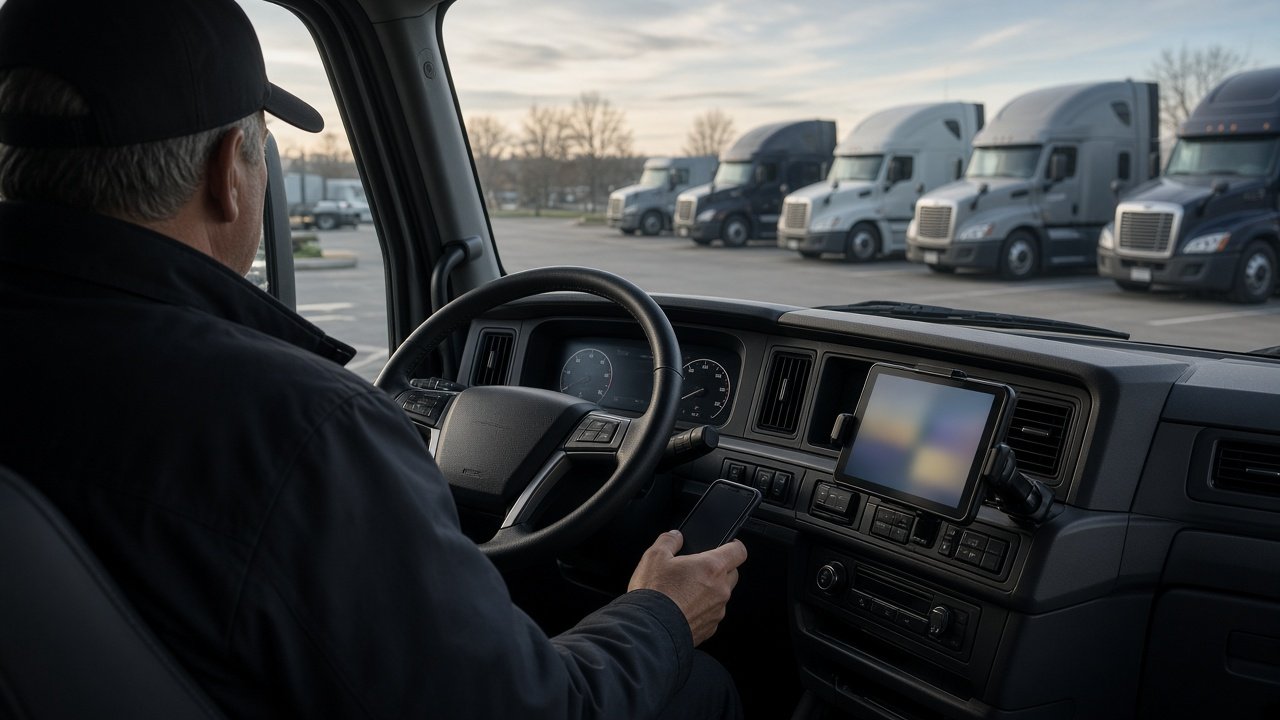
- Portable units. A phone or tablet used as an ELD must be mounted in a fixed position and visible from the normal driving position (395.22(g)).
How do I choose an ELD? A 7-point checklist
- Confirm it is registered today. The rule requires a device on FMCSA's registered list (fmcsa.dot.gov/devices). Search by device name and ELD ID, and check the revoked list too.
- Look at the provider's history. Has this provider had devices revoked or withdrawn before? Many on the November list were small or discontinued products. A device that comes and goes from the registry can leave you scrambling twice.
- Test the roadside transfer. Ask the provider to walk you through sending logs by its supported method, and practice it before your next inspection. Make sure the in-cab instruction sheets come with it.
- Check how edits work. Investigators have been focused on devices that can be manipulated; FMCSA's November action followed demonstrations of a device being remotely altered, per Overdrive. A compliant ELD records who changed what and asks you to approve edits proposed by someone else. Avoid any seller who promises "flexible" logs.
- Know the full cost. Hardware, activation, monthly fees, contract length, early termination fees, and what happens to the hardware if the device is revoked. Ask whether the provider will refund or swap a device that FMCSA removes.
- Check coverage and the hardware fit. Telematics transfer depends on cellular coverage on your lanes. Confirm the engine connection fits your truck, and ask whether the device handles a second truck if you add one.
- Make sure you can get your data out. As your own carrier you must keep six months of backups on a separate device (395.22(i)). Confirm you can export your logs if you switch providers.
Worked example: comparing two ELD quotes
Hypothetical numbers for illustration only, not real prices. Say you get two quotes for one truck:
- Quote A: $0 hardware, $35 a month, 36-month contract. Total: 36 × $35 = $1,260, plus an early-termination fee if you leave.
- Quote B: $200 hardware, $25 a month, month to month. Over the same 36 months: $200 + (36 × $25) = $1,100, and you can walk away any month.
Quote B is cheaper over three years and carries less risk: if the device is ever revoked, you are not stuck paying out a contract while also buying a replacement. Run your real quotes through the same math, and add the cost of a day out of service if a cheap device fails at a scale.
Common mistakes when picking an ELD
- Buying on price alone without checking the registered and revoked lists.
- Signing a long contract with no exit if the device gets revoked.
- Never practicing a data transfer until an officer asks for one.
- Running a phone on the seat or in a cup holder instead of a fixed mount.
- Forgetting the instruction sheets and 8 days of blank grids in the cab.
- Treating unassigned driving events and edit requests as someone else's problem. You certify your records.
- For leased-on drivers: buying a device before asking which system the carrier requires.
This is general information, not legal advice. Ask a qualified compliance professional about your own operation.
Frequently asked questions
What is the best ELD for an owner-operator?
There is no official ranking. The best choice is a registered device with a stable track record, a roadside transfer method you have practiced, fair contract terms, and clean edit records.
My ELD was revoked on Nov. 12. What do I do right now?
Per FMCSA's notice as reported by Overdrive, stop using it, keep paper logs or logging software, and replace it with a registered ELD by Jan. 11, 2027.
Can I use my phone as an ELD?
Yes, if the app and its engine connection together are a registered ELD, and the phone or tablet is mounted in a fixed position you can see from the driver's seat.
Does my truck need an ELD at all?
Most do. Exceptions in 395.8 include drivers who keep logs on no more than 8 days in any 30-day period, certain driveaway-towaway operations, and trucks with an engine older than model year 2000 as shown by the VIN on the registration.
Cleaning up your logbook setup is also a good time to look at where you are driving and for whom. Browse current CDL-A jobs, try our driver job match, check diesel prices on your lanes, or see the Driver Hub tools.
Know a CDL-A owner-operator or company driver ready for a better spot? Refer them to us and earn $500. Refer a driver here.
Free for CDL-A drivers: get our Job Offer Checklist — 23 questions to ask any carrier about pay, miles and home time before you sign. Download the free checklist →
Know a CDL-A driver looking for work? Refer them and earn $500 when they complete 30 days on the road. Refer a driver →
CDL Transportation Group | CDL-A OTR Driver Recruiting